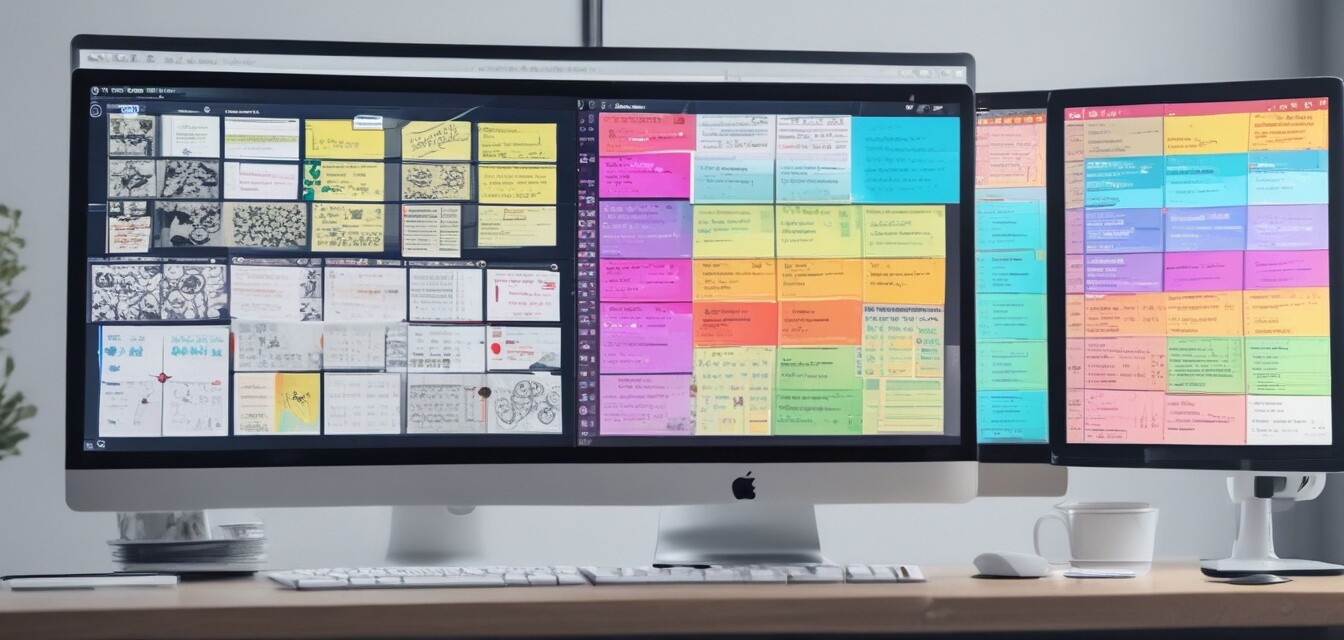
Maximizing Your Experience with MindManager Professional
Key Takeaways
- MindManager Professional offers powerful visualization tools and mind mapping capabilities for effective project planning and management.
- Integration with Microsoft SharePoint and enhanced Gantt capabilities provide additional functionality for team collaboration.
- Utilizing templates and collaboration features can significantly enhance productivity and streamline project processes.
In today's fast-paced work environment, having the right tools for project management is crucial. MindManager Professional stands out as a powerful software solution that helps individuals and teams visualize their ideas and enhance their planning processes. This guide offers essential tips and tricks to help you make the most of this dynamic software, ensuring you maximize your experience with MindManager Professional.
Why Choose MindManager Professional?
MindManager Professional provides a comprehensive solution for project planning and visualization. Here are some reasons why it's a valuable tool for your projects:
- Transforms unstructured ideas into clear, visual representations.
- Integrates seamlessly with Microsoft SharePoint for easy team collaboration.
- Offers various templates to suit any industry or project type.
Understanding Core Features
| Feature | Description |
|---|---|
| Mind Mapping | Create dynamic visual mind maps to structure your ideas and projects. |
| Flowcharts & Diagrams | Build flowcharts, concept maps, and other diagrams for effective communication. |
| Collaboration Tools | Share and co-edit in real-time with team members for enhanced teamwork. |
| Gantt Chart Integration | Manage tasks and timelines efficiently with Gantt capabilities. |
| Templates | Utilize built-in templates tailored for various industries and projects. |
Tips for Using MindManager Professional Effectively
Beginner Tips for MindManager
- Start with Templates: Leverage the pre-built templates to get started quickly, adapting them to fit your needs.
- Use Keyboard Shortcuts: Familiarize yourself with shortcuts to save time while navigating the software.
- Integrate with Other Tools: Connect MindManager with tools like Microsoft Teams and SharePoint to enhance collaboration.
- Utilize Online Resources: Take advantage of tutorials and webinars offered within the application for more in-depth learning.
Collaborating with Teams
Effective teamwork is essential for project success. MindManager Professional simplifies collaboration through:
- Real-time co-editing features that allow multiple users to work on the same document simultaneously.
- Easy sharing options that enable team members to access project maps from anywhere.
- Integration with Microsoft Teams for streamlined communication and feedback processes.
Exploring Advanced Features
Creating Detailed Diagrams
Take your diagrams to the next level by:
- Starting from scratch or using templates for industry-specific designs.
- Incorporating hyperlinks for detailed information on specific tasks or items.
- Adding notes and attachments that provide additional context for your visual map.
MindManager Professional | 1 Year Subscription
 Powerful Visualization Tools
MindManager Professional | 1 Year Subscription
A comprehensive solution for visual collaboration, ideal for project management and planning.
Learn MoreKey Takeaways for Project Management Success
Utilizing MindManager Professional can transform how you manage projects, from brainstorming ideas to executing plans. Here are key points to remember:
- Visual tools help streamline complex information and enhance understanding.
- Collaboration features ensure that all team members are on the same page, reducing misunderstandings.
- Customization options allow you to tailor your project maps to meet specific needs.
Further Reading
For those looking to dive deeper into software tips and tricks, check out these resources:


