Photography
Key Takeaways
- Photography software enhances image quality and editing capabilities.
- Different tools cater to various needs, including photo editing, organization, and sharing.
- Choosing the right software depends on your skill level and specific requirements.
- Popular options include Adobe Photoshop, Lightroom, GIMP, and more.
Photography is an art form that has transformed tremendously over the years, thanks to digital technology. With a multitude of software tools at their disposal, photographers can enhance their craft, from editing to organizing their images efficiently. This article explores powerful photography software tools, their features, and how they can help photographers of all skill levels.
Essential photography software tools
There are various categories of photography software that serve different purposes. Here, we break down some of the most popular options available in the market.
| Software | Type | Main Features |
|---|---|---|
| Adobe Photoshop | Editing | Advanced editing, layers, filters, retouching tools |
| Adobe Lightroom | Editing & Organization | Photo organization, batch editing, presets |
| GIMP | Editing | Open-source, customizable interface, extensive plugin support |
| Capture One | Editing & Organization | Raw processing, advanced color grading, tethering support |
Popular categories of photography software
Photography software can be broken down into several categories based on their primary functions. Here are the most notable categories:
- Photo editing software: Tools like Adobe Photoshop and GIMP help enhance and manipulate photos through various editing features.
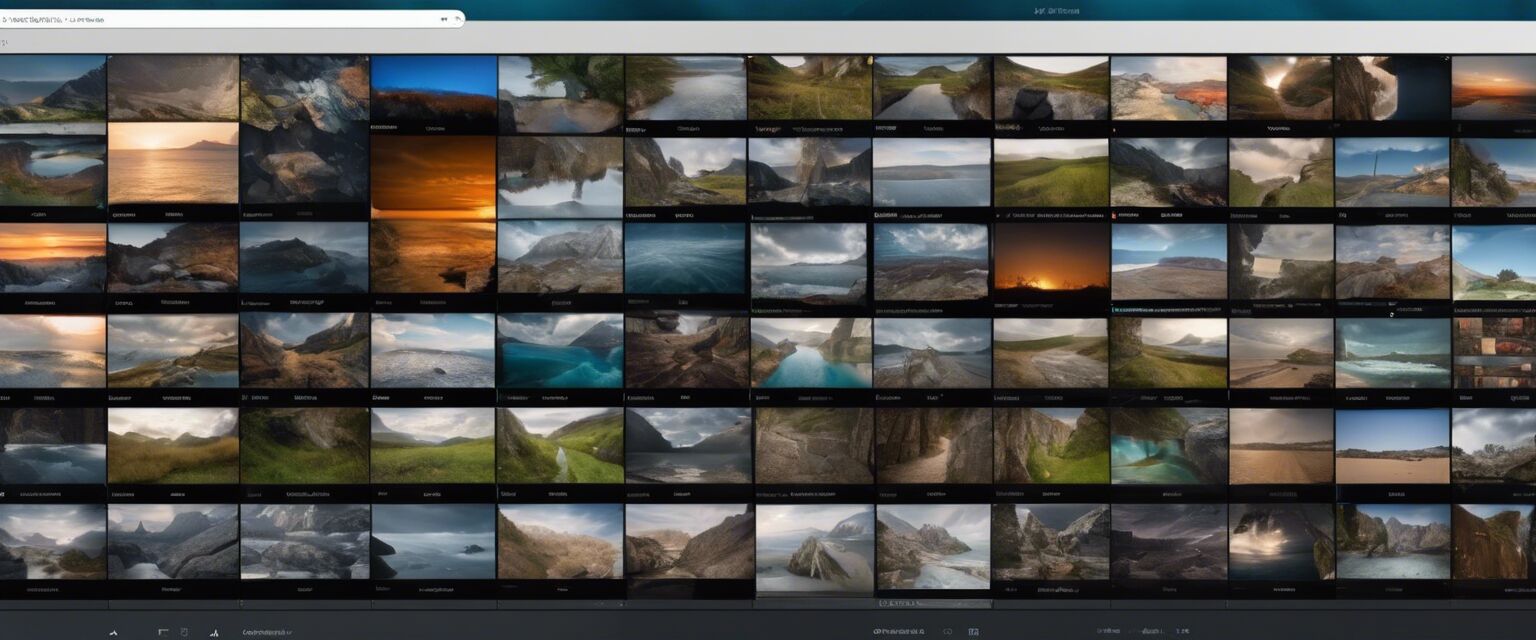
- Photo organization software: Applications such as Adobe Lightroom maintain and organize large libraries of images.
- Photo sharing platforms: Websites and applications allow photographers to showcase their work and connect with others, such as Flickr and 500px.
Editing software in detail
When it comes to editing, software varies greatly in complexity and features. Below, we delve deeper into some of the key software for photo editing:
| Feature | Adobe Photoshop | GIMP | Affinity Photo |
|---|---|---|---|
| Price | Subscription-based | Free | One-time purchase |
| Learning Curve | Steep | Moderate | Moderate |
| Advanced Features | Yes | Yes | Yes |
| Support | Extensive | Community-based | Good documentation |
Choosing the right software
Deciding which software to use can be overwhelming given the wide array of options available. Here are some tips to help you find the best fit:
Tips for beginners
- Start with free options such as GIMP to familiarize yourself with basic editing tools.
- Consider software that offers trial versions, allowing you to test the functionality before committing.
- Join online communities to share your work and get feedback on recommended software.
Advanced features to look for
As you progress in your photography journey, look for software that offers advanced features:
- Practical plugins: Check for plugins or additional features that can enhance your editing experience.
- Support for RAW files: Ensure the tool supports RAW image editing to extract the most detail from your photos.
- Cloud storage options: This enables you to access your projects on multiple devices easily.
Conclusion
With the right photography software, you can unleash your creativity and elevate your photography skills. Investing time in learning these tools will significantly impact the quality of your work and enhance your overall photography experience. Always stay updated with the latest trends and software updates to keep your skills sharp.
Pros
- Enhances photo quality significantly.
- Allows for creative control over editing processes.
- Facilitates organization of large photo libraries.
Cons
- Can be expensive, especially subscription-based software.
- Steep learning curve for complex applications.
- Some software requires powerful hardware for optimal performance.
Further reading
If you're interested in exploring more about the software available for photography, you may consider checking our other categories such as:
- Design & Illustration Software
- Music Software
- Programming & Web Development Software
- Accounting & Finance Software
- Antivirus & Security Software