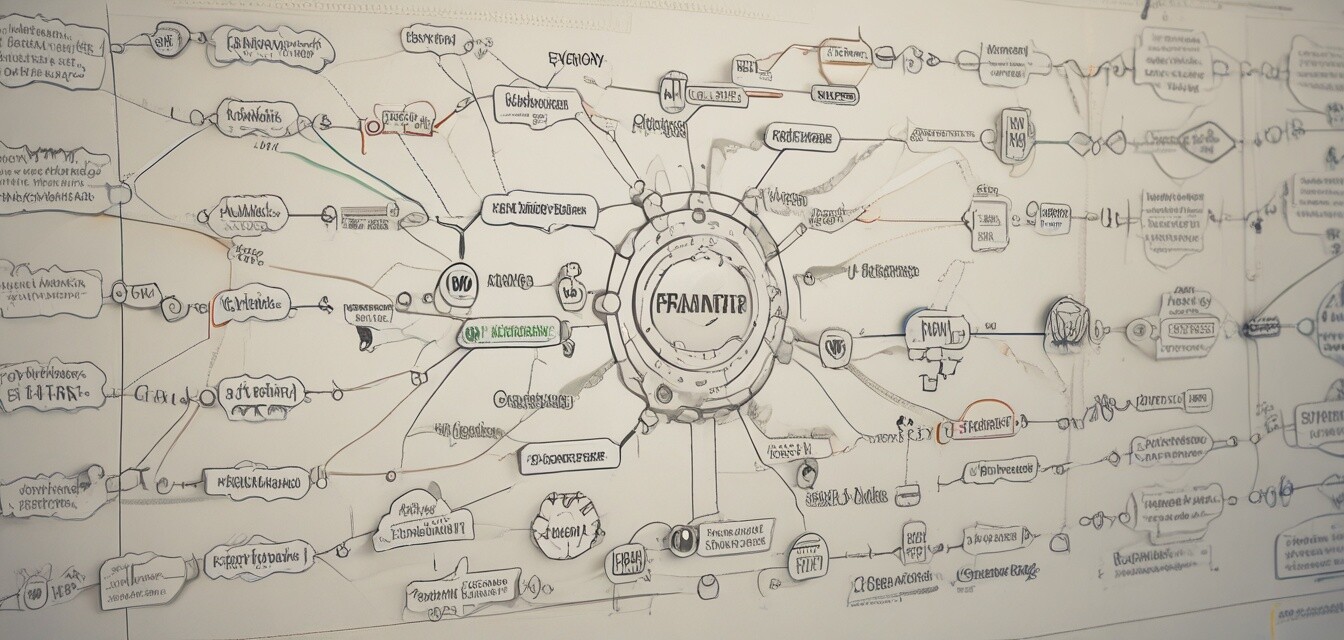
Maximizing Efficiency with MindManager for Projects
Key Takeaways
- MindManager is a powerful visualization tool ideal for project management.
- Mind mapping enhances brainstorming and creative processes.
- Real-time collaboration features increase team efficiency.
- Integration with Microsoft SharePoint streamlines project planning.
In the modern work landscape, effective project management tools are vital for ensuring that teams function smoothly and that projects are completed on time. One such tool is MindManager Professional. This powerful software is designed to help individuals and teams visualize and manage projects effectively. In this article, we will explore techniques to leverage MindManager for enhanced project planning and visual management.
Understanding MindManager's Features
MindManager offers numerous features that can enhance your project management strategy. Below is a summary of some key features:
| Feature | Description |
|---|---|
| Comprehensive Solution | Transforms unstructured ideas into visual mind maps, flowcharts, and other diagrams. |
| Enhanced Collaboration | Real-time co-editing and Microsoft Teams compatibility streamline group efforts. |
| Integration | Integrates with Microsoft SharePoint for improved project planning. |
| Diagram Development | Build diagrams from scratch or use built-in templates tailored to various industries. |
| Task Management | Enrich tasks with notes, attachments, and deadlines. |
Techniques to Maximize Your Efficiency
1. Brainstorming and Visualizing Ideas
Utilize MindManager to convert your ideas into visual formats. This technique can help in brainstorming sessions where the goal is to generate innovative ideas. Start with a central concept and branch out with related thoughts.
Pros
- Enhances creativity and idea generation.
- Visual representations make complex ideas easier to understand.
- Encourages collaboration during brainstorming.
Cons
- Initial learning curve for new users.
- Requires time investment to set up comprehensive maps.
2. Planning Projects Visually
MindManager allows users to create project plans that are easy to adjust as project scopes change. Using mind maps, teams can visually represent timelines, responsibilities, and crucial tasks.
Follow these steps to create a project plan:
- Define your project goals.
- Identify key tasks and milestones.
- Assign responsibilities to team members.
- Set deadlines for each task.
3. Increasing Team Collaboration
Employing MindManager's collaborative features can significantly improve team efficiency. By using shared mind maps, team members can contribute ideas simultaneously, improving engagement and project outcomes.
Real-World Applications of MindManager
To understand how MindManager can be used effectively, let's look at some real-world applications:
 Top Choice
MindManager Professional | 1 Year Subscription
A comprehensive solution for visualizing information and project management, ideal for both individual users and teams.
Learn MoreCase Study: A Marketing Team
A marketing team used MindManager to organize a product launch. They created a mind map that included:
- Content Creation Timeline
- Marketing Channels
- Budget Allocation
- Key Performance Indicators
By visualizing their project, they maintained clarity and communicated effectively with upper management, leading to a successful launch.
Further Resources
For more tips on enhancing your software skills, check out these resources:
- Accounting & Finance Software
- Business & Office Software
- Music Software
- Lifestyle & Hobbies Software
- Education & Reference Software
Conclusion
MindManager is an invaluable tool for enhancing project management through visual aids and collaboration. By implementing the techniques discussed in this article, you can maximize your team's efficiency and successfully manage projects from start to finish.


