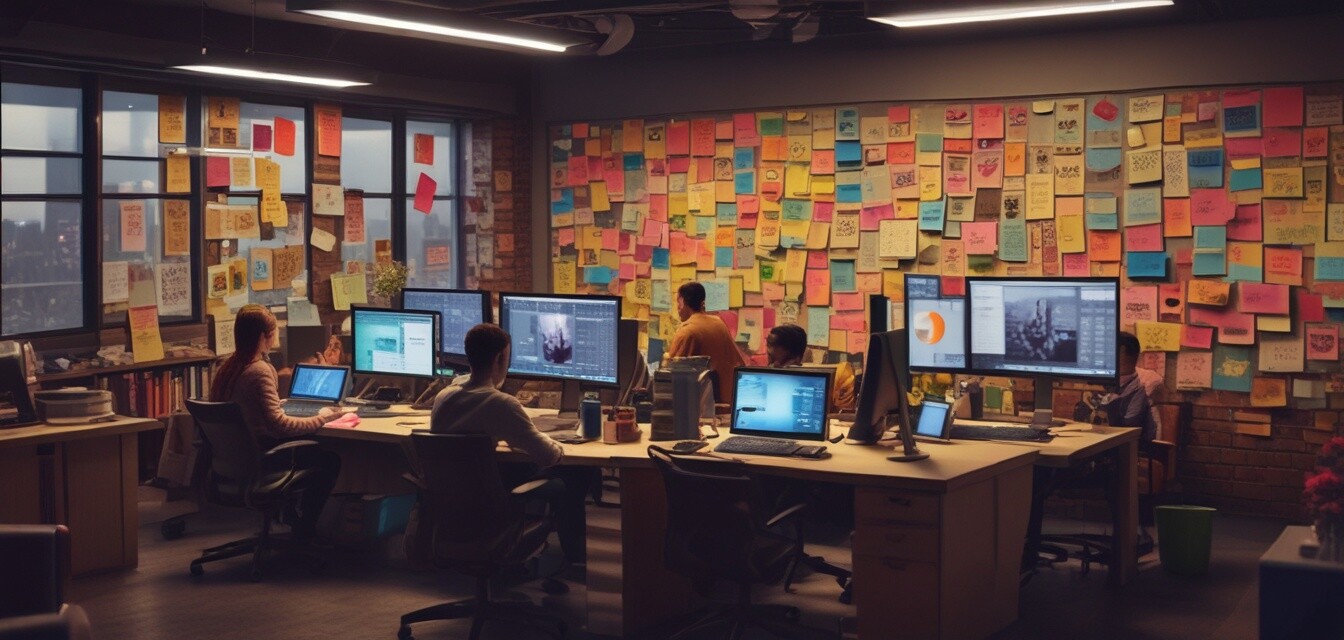
Project Management Software for Creative Teams
Key Takeaways
- Choosing the right project management software can enhance collaboration among creative teams.
- Tools that allow for real-time co-editing and flexible planning are essential for creativity.
- Integration with existing tools, like Microsoft Teams and SharePoint, can streamline workflows.
Creative teams thrive on collaboration and flexibility, making project management software a crucial part of their toolkit. In this guide, we will explore the best options available, focusing on their features, integrations, and how they can enhance your team's productivity. Whether you're managing a small project or orchestrating a large creative campaign, the right software will keep your team aligned and running smoothly.
Why Project Management Software Matters for Creative Teams
Creative projects often involve multiple stakeholders, each contributing their unique insights. Using project management software helps organize brainstorming sessions, define clear roles, and maintain visibility on progress. Let's dive into what makes project management software essential for creative teams:
- Collaboration: Tools that facilitate communication and idea sharing boost creativity.
- Task Management: Assigning tasks and setting deadlines ensures accountability.
- Visual Workflows: Visual representations of projects can help teams grasp complex concepts easily.
Top Features to Look For
When selecting project management software, consider the following key features to enhance your team's workflow:
| Feature | Description |
|---|---|
| Real-Time Collaboration | Allows team members to work together simultaneously, enabling immediate adjustments. |
| Flexible Task Management | Assists in adapting to changes and managing priorities efficiently. |
| Visual Project Mapping | Supports visualization of tasks, making it easier to plan and strategize. |
| Integration with Existing Tools | Compatibility with tools already in use, like Microsoft Teams or Slack, streamlines processes. |
Recommended Project Management Software
Here are some of the top-rated project management tools designed for creative teams:
 Powerful Visualization Tools
MindManager Professional
A comprehensive solution for individuals and teams to transform unstructured ideas into dynamic visual mind maps, flowcharts, and diagrams.
Learn MoreComparing Features of Top Software
| Software | Real-Time Collaboration | Task Visualization | Integration |
|---|---|---|---|
| MindManager Professional | Yes | Dynamic Mind Maps | Microsoft Teams, SharePoint |
| Trello | Yes | Kanban Boards | Google Drive, Slack |
| Asana | Yes | Timeline Views | Zoom, Microsoft Teams |
Pros and Cons of Project Management Software
Pros
- Enhances communication between team members.
- Helps structure creative processes efficiently.
- Provides clarity on project timelines and deliverables.
Cons
- Learning curve associated with new software.
- Costs may add up if multiple tools are used.
Getting Started with Project Management Software
Implementing new software requires careful planning. Here are some tips to help your creative team get started:
Tips for Beginners
- Choose a tool that aligns with your team's unique needs.
- Start with a training session to familiarize everyone with the software.
- Encourage feedback and adjust your use based on team experiences.
Conclusion
Choosing the right project management software can make all the difference for your creative team. By fostering collaboration and improving task organization, these tools empower your team to unleash their full creative potential. Explore options like MindManager Professional to elevate your project management experience.
For more insights on software, check out our Buying Guides or explore specific categories such as Project Management Software and Resources for Education & Reference.


