
Tips for Using TurboTax Effectively for Tax Season
Key Takeaways
- Maximize your deductions and credits using TurboTax software.
- Utilize live tax advice for real-time support from tax experts.
- Import prior year tax data to save time and reduce errors.
- Review the Audit Risk Meter to minimize audit triggers.
- Choose the right version of TurboTax based on your tax situation.
Tax season can be a daunting time for many individuals and business owners alike. However, with the right approach, you can turn this hectic period into a manageable task. TurboTax is one of the most popular tax preparation software options available, making it easier for users to complete their federal and state tax returns efficiently. In this article, we will explore valuable tips and tricks to help you use TurboTax effectively and enhance your experience during tax preparation season in 2025.
Understanding the Different TurboTax Versions
TurboTax offers several versions to cater to different needs, making it essential to choose the right one for your unique tax situation:
| TurboTax Version | Best for | Key Features |
|---|---|---|
| TurboTax Deluxe 2024 | Homeowners with various deductions | Maximizes deductions, live tax advice, up-to-date on tax laws |
| TurboTax Premier 2024 | Investors and property owners | Step-by-step guidance on investment income, live tax advice |
| TurboTax Home & Business 2024 | Self-employed individuals and small business owners | Finds industry-specific deductions, e-files W-2s and 1099s |
Practical Tips for Using TurboTax
These practical tips will help you navigate the TurboTax software and maximize its potential:
- **Prepare Your Documents**: Gather all necessary documents, including W-2s, 1099s, investment statements, and mortgage interest statements.
- **Start Early**: Begin your tax preparation early to avoid last-minute stress and ensure you have adequate time to gather information and review your return.
- **Use the Live Tax Advice Feature**: Make use of TurboTax's live tax advice feature for personalized support if you're confused on any aspect of your return.
- **Import Previous Year Data**: Import your previous year’s return to save time and reduce errors. TurboTax will fill in data for you, making the process smoother.
- **Maximize Deductions**: Take full advantage of TurboTax's tools to find all deductions you may qualify for by answering the questions presented during the walkthrough.
- **Review the Audit Risk Meter**: Use the Audit Risk Meter to gauge your return's risk of being audited, and adjust where necessary to minimize this risk.
- **Double-Check Everything**: Always review your tax return multiple times, ensuring that all information is accurate and complete before filing.
- **E-file for Faster Processing**: Opt for e-filing to expedite the process, especially if expecting a refund.
Pros
- User-friendly interface.
- Comprehensive guidance throughout the filing process.
- Live support from tax experts available.
- Ability to import documents and prior year data easily.
- Maximizes returns through extensive deduction options.
Cons
- Fees vary based on the version chosen.
- Some advanced features require higher-tier subscriptions.
- May be overwhelming for first-time users.
Popular TurboTax Products You Can Consider
 Feature Highlight
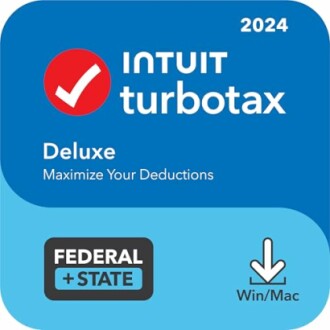
TurboTax Deluxe 2024 Tax Software
Recommended for homeowners with extensive deductions, TurboTax Deluxe helps you maximize your return efficiently.
Learn More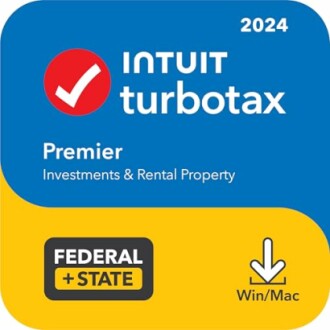 Feature Highlight
TurboTax Premier 2024 Tax Software
Ideal for investors and property owners, TurboTax Premier simplifies the intricacies of managing investment income.
Learn More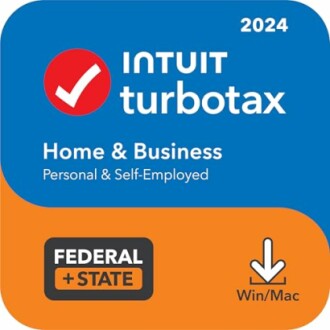 Feature Highlight
TurboTax Home & Business 2024 Tax Software
Perfect for self-employed individuals and small business owners, TurboTax Home & Business finds industry-specific deductions.
Learn MoreAdditional Resources for Tax Preparation
To further enhance your knowledge and skills in tax preparation, consider visiting our related articles:
- Accounting & Finance Software Resources
- Educational Resources on Tax Filing
- Buying Guides for Tax Software
- Mac Software for Tax Preparation
- Tips and Tricks for Using Various Software
Conclusion
Using TurboTax effectively can help alleviate the stress surrounding tax season. By understanding which version suits your needs best, utilizing helpful features like live tax advice, and following the practical tips discussed, you can simplify your tax preparation process. Whether you’re filing personal taxes or managing a small business, TurboTax has the tools you need to get the job done accurately and efficiently.


