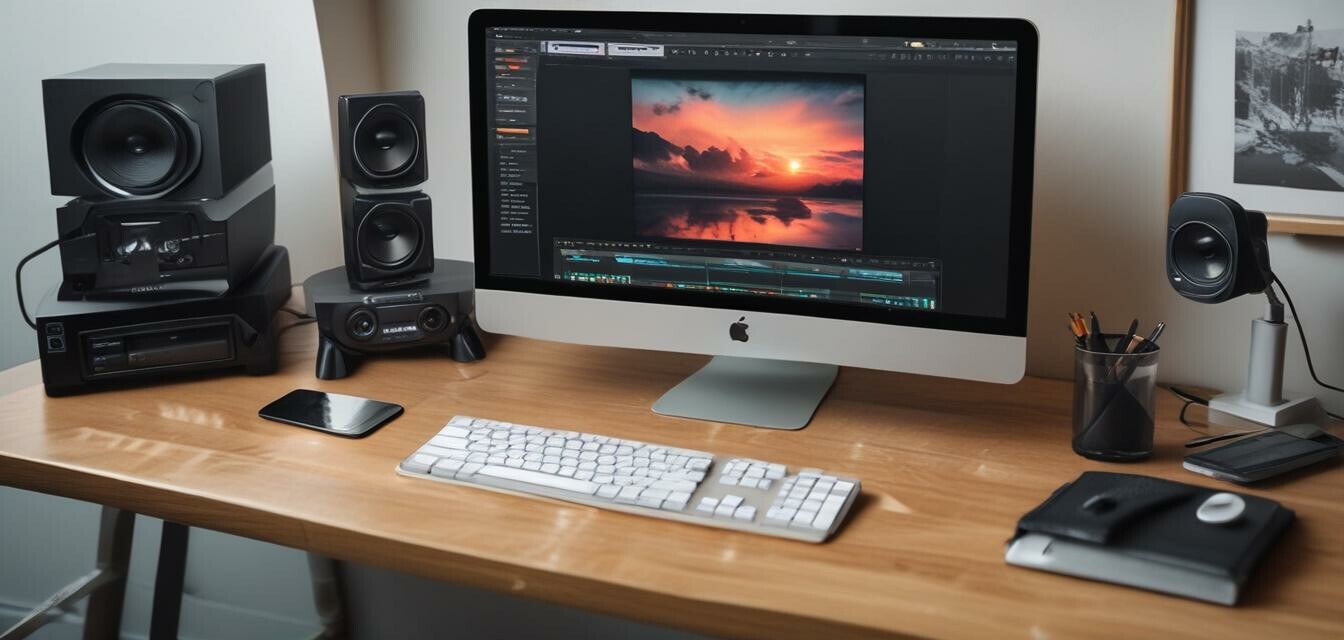
Maximizing Video Production with VEGAS Pro Suite 22
Key Takeaways
- Utilize the all-in-one toolkit for efficient video editing.
- Leverage AI-supported functions for advanced editing tasks.
- Incorporate SOUND FORGE Pro 18 for professional audio editing.
- Ensure your system meets the minimum requirements for optimal performance.
- Experiment with various tools to find what works best for your workflow.
In the world of video editing, having the right tools can make all the difference. VEGAS Pro Suite 22 is an all-encompassing video editing solution designed to cater to both beginners and professionals alike. This article will guide you on how to best utilize its features for your video editing and production projects.
Why Choose VEGAS Pro Suite 22?
VEGAS Pro Suite 22 offers unparalleled flexibility and power in editing and producing high-quality videos. Here are some reasons why you should consider this software:
Pros
- User-friendly interface that is easy to navigate.
- Comprehensive toolkit for video and audio editing.
- AI-supported features for efficiency.
- Includes powerful audio production tools.
- Supports various file formats.
Cons
- Requires a relatively powerful system for best performance.
- Learning curve for some advanced features.
Getting Started with VEGAS Pro Suite 22
Before diving into editing, it's crucial to ensure you have everything ready:
- Check the minimum system requirements:
| Component | Requirement |
|---|---|
| Operating System | Microsoft Windows 10 & 11 |
| CPU | 4x 2.5 GHz |
| RAM | 16 GB |
| Internet Connection | Required |
Key Features of VEGAS Pro Suite 22
Understanding the key features can significantly enhance your editing experience.
- All-in-one toolkit: Access powerful tools for video and audio editing, color grading, effects, and filters seamlessly.
- AI-supported functions: Create masks, voiceovers, and subtitles more efficiently, and edit interviews like a text document.
- SOUND FORGE Pro 18: For professional audio editing.
- Mocha VEGAS: Emmy award-winning tracking technology integrated for superior visual effects.
Best Practices for Video Editing
Now that you are familiar with VEGAS Pro's features, here are some tips for getting the most out of your editing experience:
Tips for Beginners
- Start small: Focus on short projects at first to build your skills.
- Utilize the timeline effectively: Drag and drop clips and utilize markers for easy navigation.
- Regularly save your progress to avoid losing work due to crashes.
- Experiment with effects: Use the built-in effects to enhance your videos creatively.
- Seek out tutorials: There are plenty of online resources to help you learn the intricacies of VEGAS Pro.
VEGAS Pro Suite 22 in Action
Integrating VEGAS Pro Suite tools into your workflows can produce remarkable results. For example, using SOUND FORGE Pro for audio combined with the video editing capabilities creates a seamless production process. This integration is pivotal for ensuring that your final project is polished and professional.
 Top Choice
VEGAS Pro Suite 22
An all-in-one suite for video, audio, and post-production. Create stunning videos with professional tools at your disposal.
Learn MoreFinal Thoughts
Maximizing your video production capabilities with VEGAS Pro Suite 22 can significantly enhance your projects. By familiarizing yourself with its features and following the best practices outlined above, you'll be on your way to creating captivating videos with ease. Dive into your editing adventures and remember, practice makes perfect!
Explore More Tips and Tricks
To further enhance your software skills, check out our other tips by visiting the Software Tips and Tricks section. There you will find expert advice ranging from basic skills to advanced techniques that can empower you across various software applications.


