Maximizing Your Music Production with FL Studio
Key Takeaways
- FL Studio is a powerful tool for music production.
- Efficient workflow techniques can enhance creativity.
- Understanding essential features and shortcuts boosts productivity.
- Setting up your workspace optimally significantly improves your production experience.
Creating music is a combination of art and technology, and FL Studio is a fantastic digital audio workstation (DAW) that can help elevate your productions to new heights. In this guide, you'll discover essential tips for maximizing your workflow and unleashing your creativity while working with FL Studio. Let's dive in!
Why Choose FL Studio for Music Production?
FL Studio, developed by Image Line, is one of the most popular DAWs among both amateur and professional music producers. With its user-friendly interface, powerful features, and extensive plugin support, it makes creating high-quality music accessible and enjoyable.
Core Features of FL Studio
| Feature | Description |
|---|---|
| Multi-track recording | Record multiple audio and MIDI tracks simultaneously. |
| Audio effects | A comprehensive palette of audio effects to enhance your sound. |
| Plugin support | Supports VST and AU plugins for expanded sound creation. |
| Live performance mode | Allows for live music performances and improvisation. |
Setting Up Your Workspace
Your workspace is crucial for effective music production. Here are some tips to optimize your workspace in FL Studio:
- Arrange your toolbars: Customize your panels for easy access to your most-used features.
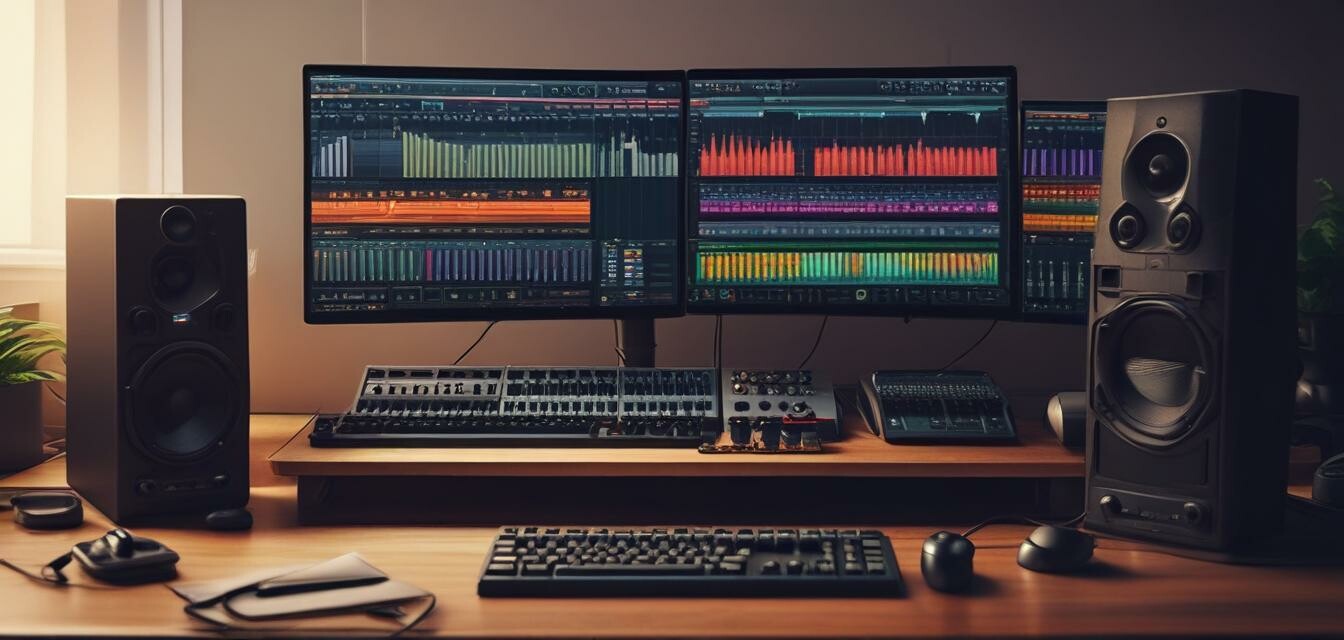
- Use multiple screens: If possible, set up dual monitors to have more space to work.
- Color code your tracks: This helps in quickly identifying different elements in your project.
Understanding FL Studio’s Key Features
To make the most of FL Studio, you should familiarize yourself with its core features:
1. Piano Roll
The Piano Roll in FL Studio is a powerful tool for composing melodies and arranging your tracks. It allows you to easily manipulate notes, chords, and rhythms. Use these tips to optimize your experience:
- Experiment with layering melodies to create depth.
- Use the quantization feature to perfect timing.
2. Mixer
The Mixer is where you can adjust the levels, pan, and add effects to your audio tracks. Here’s how to use it efficiently:
- Group similar channels together for easier management.
- Utilize effects to enhance synths and vocals.
3. Automation
Automation is a powerful feature that allows you to create dynamic sounds throughout your track. Implement automation with these steps:
- Right-click on any knob to create an automation clip.
- Draw envelopes to control volume, panning, and effects over time.
Tips for Enhancing Your Music Production
Beginner Tips
- Start with simple projects to gradually build your skills.
- Watch tutorial videos to learn new techniques.
- Don't be afraid to experiment with different genres.
Exploring Advanced Features
As you become comfortable with FL Studio, explore more advanced features:
- Sample packs: Incorporate high-quality samples into your tracks.
- Collaboration: Share your work with others to get feedback and improve.
- Advanced mixing techniques: Delve into mastering for a polished sound.
Embedding Your Own Creativity
The beauty of FL Studio is the freedom it provides to express your personal style through music. Utilize the following strategies to cultivate your creativity:
- Set aside dedicated time for music creation without distractions.
- Keep a notebook for ideas and track them regularly.
- Join online communities to exchange tips and inspiration.
Conclusion
FL Studio is an exceptional tool for music production, packed with features that can greatly enhance your creative process. By optimizing your workspace, understanding key features, and developing a productive workflow, you can take your music production to the next level. Experiment, learn, and most importantly, have fun creating music!
Product Spotlight: FL Studio 20 Producer Edition
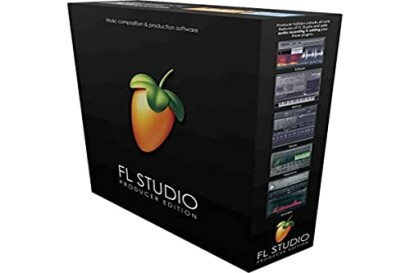 Must-Have for Producers
Image Line FL Studio 20 Producer Edition
A comprehensive music production tool, offering powerful features for audio recording, MIDI support, and live performance.
Learn MoreFor More Information
To improve your overall software skills, check out our other resources:


