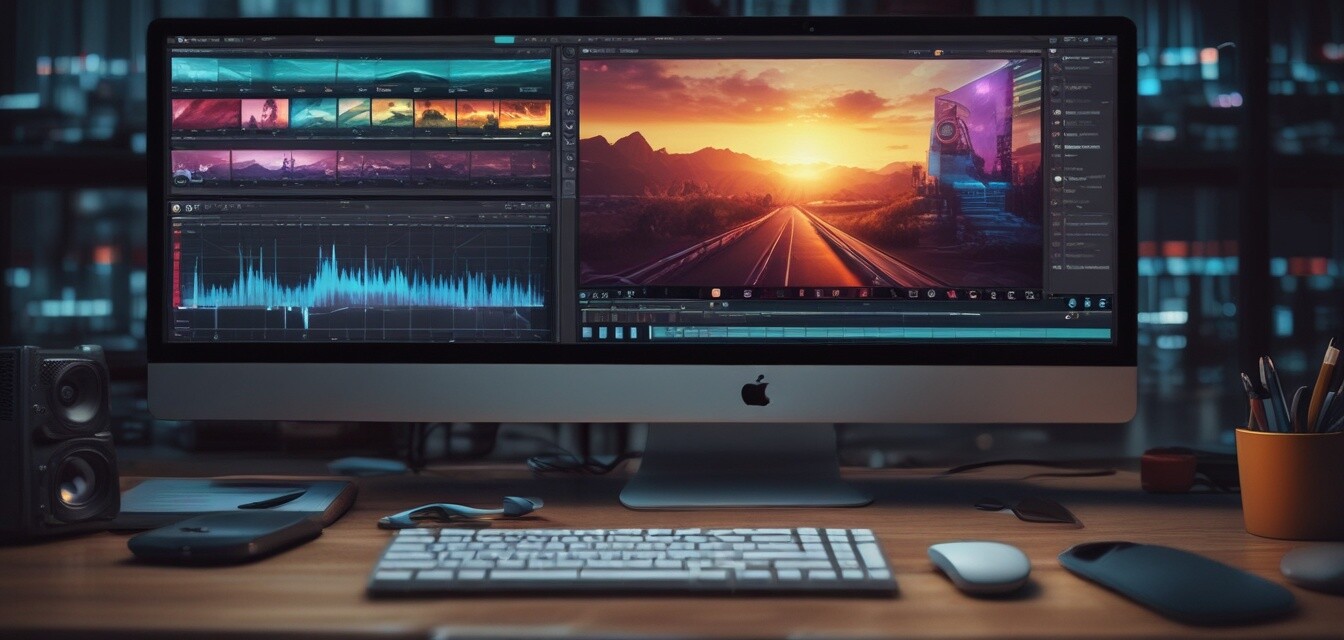
Getting Started with VEGAS Pro Suite 22
Key Takeaways
- VEGAS Pro Suite 22 is an all-in-one video editing solution.
- The software features user-friendly tools for video and audio editing.
- AI-supported functions streamline editing tasks.
- Extensive features including SOUND FORGE and ACID PRO can enhance your projects.
- Professional-grade results are achievable, even for beginners.
As video editing becomes an essential skill for content creators, the right tools make a significant difference. VEGAS Pro Suite 22 offers a powerful suite for both beginners and experienced editors alike. In this article, we will provide tips for getting started with this software and navigating its various features efficiently.
Why Choose VEGAS Pro Suite 22?
VEGAS Pro Suite 22 stands out in the realm of video editing software due to its comprehensive capabilities. Not only does it support seamless video and audio editing, but it also encompasses tools for post-production. Let's examine the standout features that make this software a top choice.
| Feature | Description |
|---|---|
| Seamless Editing | Effortlessly edit videos and audio tracks while maintaining high-quality output. |
| User-Friendly Interface | Intuitive layout helps users maintain creative workflow without getting lost in complex menus. |
| AI-Enhanced Tools | Leverage AI for tasks like masking and voiceovers to save time during editing. |
| Professional Audio Features | Access advanced audio editing through SOUND FORGE Pro 18. |
Getting Started: Your First Project
Starting your first project in VEGAS Pro Suite 22 is straightforward. Follow these simple steps:
- Install the Software: Ensure your system meets the minimum requirements to run VEGAS Pro Suite 22 smoothly.
- Create a New Project: Open VEGAS Pro and select 'New Project' from the main menu.
- Import Media: Drag and drop your video files, audio clips, and images into the media pool.
- Edit on the Timeline: Use the timeline to arrange and edit your clips by cutting, trimming, or applying effects.
- Export Your Work: Once satisfied, export your project in the desired format using the 'Render As' option.
Key Features to Explore
VEGAS Pro Suite 22 is packed with additional features that you should definitely explore:
- Color Grading: Use the color grading tools to enhance the visual appeal of your videos.
- Effects and Filters: Apply various effects and transitions to give your video a professional touch.
- Collaboration Tools: Engage with team members or clients by sharing project files directly from the software.
 All-in-one video editing solution
VEGAS Pro Suite 22
A powerful all-in-one suite for video, audio, and post-production that enables seamless high-quality editing.
Learn MoreTips for Beginners
Beginner Tips for Using VEGAS Pro Suite 22
- Practice Regularly: Familiarize yourself with the interface by doing quick edits on small clips.
- Watch Tutorials: Utilize online video tutorials that can guide you through advanced functionalities.
- Explore Pre-Loaded Templates: Use pre-loaded templates to jump-start your projects and understand editing flow.
- Join Forums: Engage with other VEGAS users in forums to share tips and seek help when needed.
Common Mistakes to Avoid
Avoiding common pitfalls will help streamline your editing process. Here are some mistakes to watch out for:
- Neglecting to save your project regularly can lead to lost progress.
- Overusing effects may distract viewers from the content.
- Failing to learn keyboard shortcuts will slow down your workflow significantly.
Stay Updated with Software
Stay current by regularly checking for updates to VEGAS Pro Suite 22. Updates often include new features, improved stability, and bug fixes, enhancing your editing experience.
Further Learning Resources
To enhance your journey into video editing, we recommend exploring the following resources on our site:
- Design & Illustration Software - Understand graphic design basics that can complement your video projects.
- Photography Software - Learn tips for improving your video’s visual appeal through photography techniques.
- Buying Guides - Discover other editing software that may benefit your projects.
- Software Tips and Tricks - Explore additional expert advice for various software applications.
- Education & Reference Software - Access educational resources to build your knowledge base.
Conclusion
VEGAS Pro Suite 22 provides users with a powerful set of tools for video editing, allowing for both creativity and professionalism to shine through. With the tips and resources outlined in this guide, you're well on your way to crafting stunning video content. Don’t hesitate to practice and explore all features, and you’ll soon impress your audience with top-notch videos.


