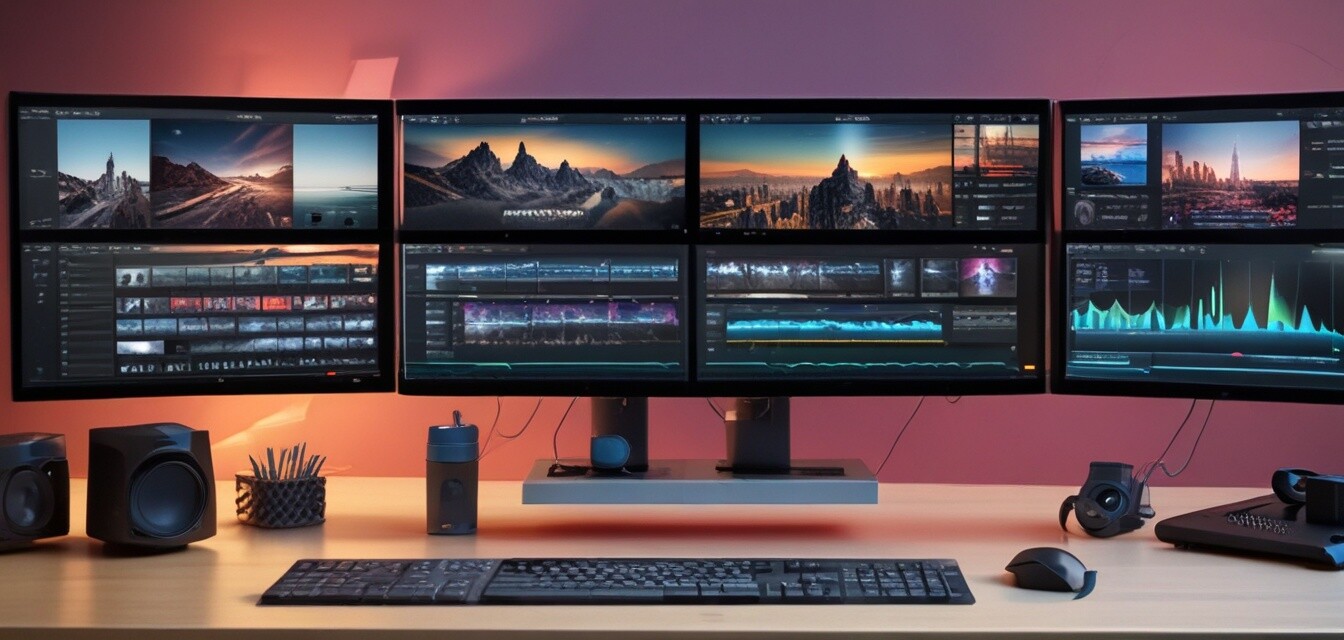
Enhancing Your Video Projects with Advanced Editing Tools
Key Takeaways
- Advanced editing software can significantly enhance video quality and creativity.
- VEGAS Pro Suite 22 offers innovative features such as AI-supported editing tools.
- Utilizing an all-in-one toolkit simplifies the creative process and boosts productivity.
- Understanding advanced features can help you take your video projects to the next level.
When creating video content, the choice of software can make a significant difference in the final product. With advancements in technology, modern editing tools like VEGAS Pro Suite 22 have emerged, offering innovative features that can elevate your projects to a professional level. In this article, we delve into the benefits of using advanced editing tools and how they can enhance your video projects.
The Importance of Advanced Editing Tools
Editing is more than just cutting and combining video clips; it's about storytelling. Advanced editing tools provide features that help you express your creative vision effectively. Here are some reasons why investing in a powerful video editing suite is essential:
- Enhanced Creativity: Advanced software provides additional features allowing for more artistic expression.
- Streamlined Workflows: Tools like VEGAS Pro Suite utilize AI to automate repetitive tasks, letting you focus on creativity.
- Professional Output: High-quality edits and effects are crucial for captivating your audience.
Overview of VEGAS Pro Suite 22
One of the most powerful tools available on the market today is VEGAS Pro Suite 22. This all-in-one suite includes everything necessary for video and audio post-production. Let’s explore its main features:
 Top Choice
VEGAS Pro Suite 22
All-in-one suite for video editing, including professional audio editing and post-production tools.
Learn MoreKey Features of VEGAS Pro Suite 22
| Feature | Description |
|---|---|
| Fast & Easy Editing | Seamless video and audio editing with a user-friendly all-in-one timeline. |
| AI-Supported Tools | Create masks, voiceovers, subtitles efficiently, and edit interviews simply. |
| Professional Audio Editing | Features like SOUND FORGE Pro 18 for high-quality sound production. |
| Min. System | Compatible with Microsoft Windows 10 & 11, requires 4x 2.5 GHz CPU and 16GB RAM. |
| Made in the USA | Developed by VEGAS Creative Software, ensuring quality and passion for media editing. |
How to Maximize VEGAS Pro for Your Projects
Once you have VEGAS Pro Suite 22, it’s essential to know how to utilize its features to get the most out of your video projects. Here are a few tips:
Beginners Section
- Start with Tutorials: Familiarize yourself with the interface through online tutorials.
- Experiment with Effects: Use the diverse effects available to enhance your videos creatively.
- Practice Audio Syncing: Learn audio editing to improve the overall quality of your content.
- Utilize AI Tools: Take advantage of the AI features to save time and effort during editing.
Comparing VEGAS Pro Suite to Other Video Editing Software
To better understand the value of VEGAS Pro, it’s beneficial to compare it with other popular editing software options on the market. Here's a comparison of key features:
| Software | Key Features | Price Range | Target Users |
|---|---|---|---|
| VEGAS Pro Suite 22 | All-in-one tools, AI editing, professional audio | Mid-range | Professionals & YouTubers |
| Adobe Premiere Pro | Extensive plugins, Adobe ecosystem, collaboration | High | Professional Videographers |
| Final Cut Pro | Optimized for Mac, magnetic timeline, animations | High | Mac Users, Professionals |
Conclusion
In the ever-evolving world of digital media, having the right tools can make all the difference in producing high-quality video content. VEGAS Pro Suite 22 stands out as a leading solution packed with resources to help you create exceptional videos efficiently. By understanding and maximizing the available features, you can turn every project into a visually compelling story.
For more insights, check out our other articles on software tips and tricks, or explore specific categories like video software to find the right tools for your creative journey.
Pros
- Comprehensive all-in-one toolkit for video and audio editing.
- User-friendly interface promoting efficient work.
- Advanced AI features enhance creative capabilities.
- Professional-grade output suitable for all video projects.
Cons
- May require a learning curve for beginners.
- Not available for Mac OS.


