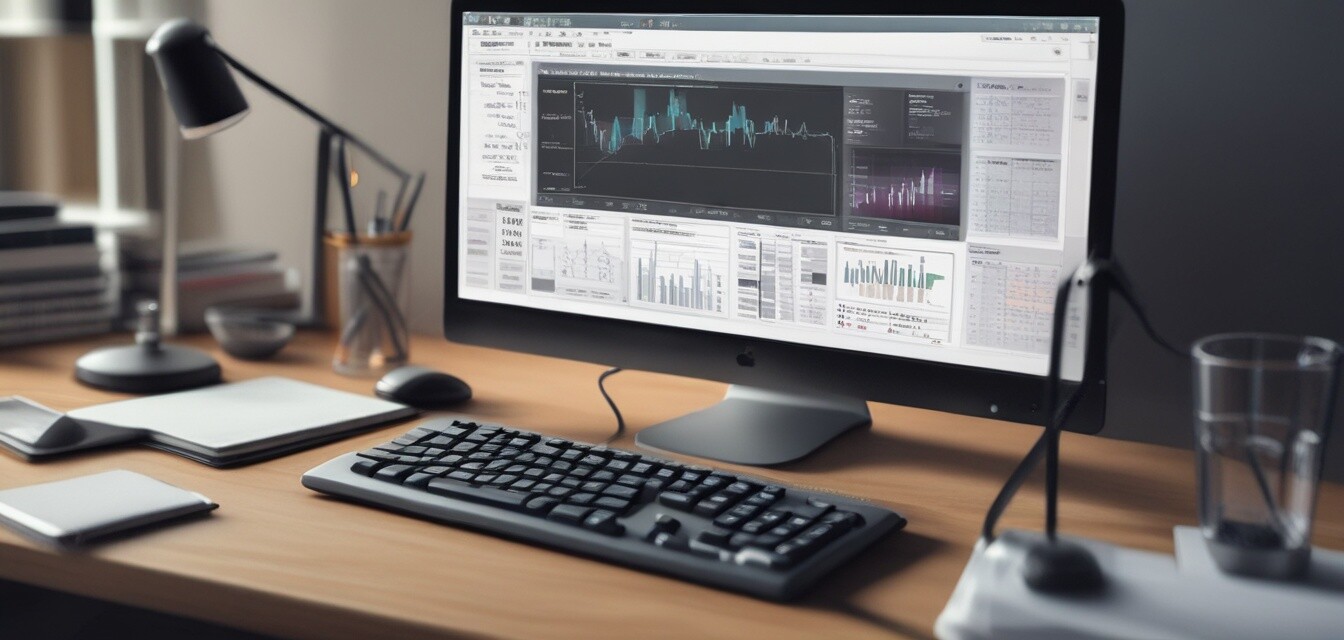
Creating Effective Budgets with Quicken
Key Takeaways
- Quicken provides robust tools to manage personal and business finances.
- Setting up effective budgets is crucial for financial success.
- Utilizing Quicken’s built-in reports can streamline budgeting processes.
- Track expenses effortlessly with intuitive features of Quicken.
- Budgeting tools help visualize financial goals and spending habits.
Managing personal finances can be a daunting task, especially when it comes to creating budgets that truly reflect our spending and saving goals. With the right tools, however, budget management can become easier and more efficient. This is where Quicken shines as a leading software for both personal and business financial management. In this article, we will provide tips on how to effectively utilize Quicken to set up and maintain your budgets.
Why Use Quicken for Budgeting?
Quicken has established itself as a powerful software option for individuals looking to manage their finances effectively. Here are a few reasons why:
- User-Friendly Interface: Quicken is designed with user experience in mind, making it intuitive to navigate.
- Comprehensive Features: From income tracking to expense categorization, Quicken offers a wide range of features.
- Reporting Tools: Create insightful reports that allow you to analyze spending patterns.
- Accessibility: Quicken can be accessed from various devices.
Setting Up Your Budget in Quicken
Setting up your budget in Quicken is straightforward. Follow these steps for a smooth setup:
- Download and install Quicken: Start by obtaining the software. Consider using the Quicken Classic Business & Personal Finance Software for both personal and business needs.
- Set up your account: Create an account in Quicken and sync your bank accounts for accurate reporting.
- Define your budget categories: Organize your spending by creating categories that suit your lifestyle.
- Input income and expenses: Use the interface to enter your expected income and regularly track your expenditures.
Utilizing Quicken's Tools
Quicken offers a plethora of tools to support effective budgeting:
| Tool | Function |
|---|---|
| Budget Planner | Helps you define and adjust your budget throughout the year. |
| Expense Tracker | Tracks spending and categorizes expenses for easier management. |
| Financial Reports | Generates visual reports showing where your money goes each month. |
| Tax Reports | Provides insights for tax preparation with built-in reporting features. |
Best Practices for Budgeting with Quicken
To maximize the effectiveness of Quicken in your budgeting efforts, consider the following best practices:
- Regular Updates: Routinely update your entries to reflect accurate financial status.
- Review Reports Often: Make it a habit to check your financial reports at the end of each month.
- Set Realistic Goals: Keep your budget attainable to encourage adherence and reduce frustration.
- Utilize Reminders: Leverage reminders in Quicken to ensure payments are made on time.
Product Highlight: Quicken Classic Business & Personal Finance Software
 Top Choice
Quicken Classic Business & Personal Finance Software
Streamline your business and personal finances with this comprehensive solution, offering advanced features like tax reporting and rental property management.
Learn MoreConclusion
Creating effective budgets requires discipline and the right tools. Quicken equips you with the necessary features to enhance your budgeting experience. With its user-friendly interface and comprehensive reporting tools, managing your finances becomes not only efficient but also empowering. By following the steps outlined above and utilizing the powerful tools available within Quicken, you can achieve better control over your financial future.
Tips for Beginners
- Start small by tracking only a few categories until you feel comfortable.
- Explore the help section within Quicken for tutorials and guides.
- Take advantage of seasonal budgeting for holiday spending or vacations.


