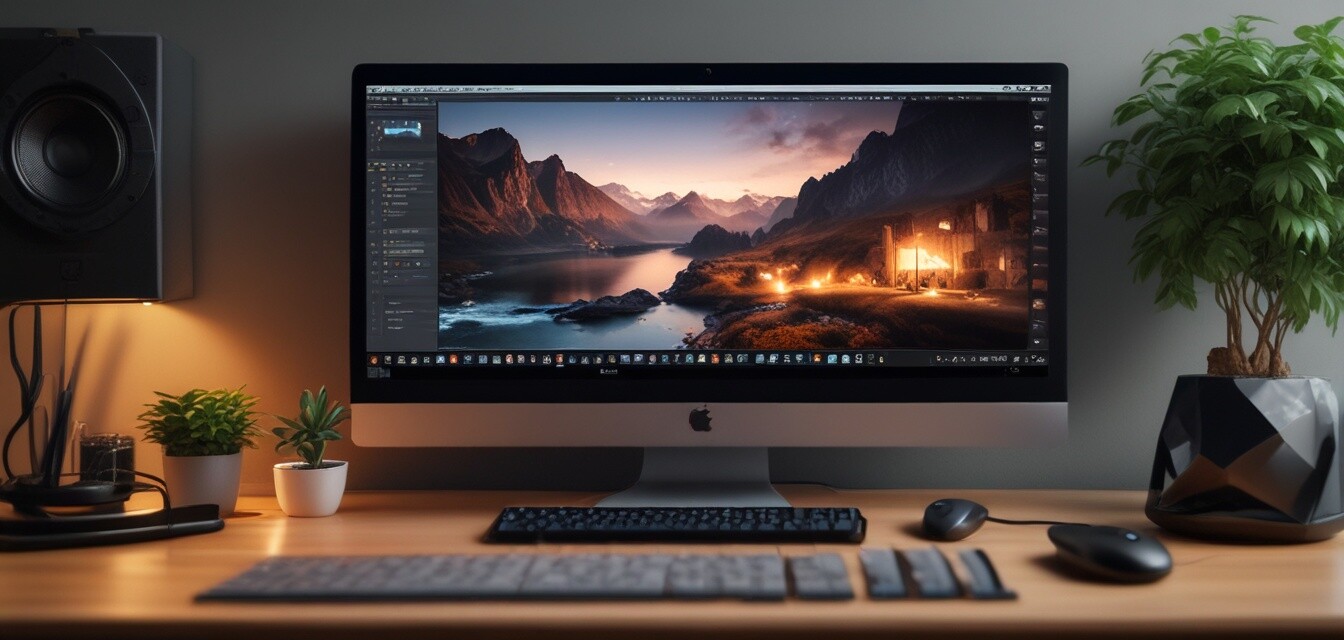
How to Create Professional Quality Videos at Home
Key Takeaways
- Understanding the basics of video editing software is essential for a smooth workflow.
- Utilizing tools like VEGAS Pro Suite can greatly enhance video quality and editing efficiency.
- Lighting, sound, and editing techniques are crucial for producing engaging videos.
Creating professional quality videos at home is now more accessible than ever with the advancement of technology and video editing software. Whether you are a beginner looking to showcase your creativity or an aspiring content creator, you can produce high-quality videos right from your living room. In this practical guide, we will explore effective techniques and tips to help you get started with video editing.
Getting Started with Video Editing
First things first, let’s identify the basic steps needed to create your videos:
- Plan Your Video: Outline the content and style of your video.
- Gather Equipment: Use a camera or smartphone along with microphones and lighting.
- Choose Editing Software: Selecting the right software is crucial. Consider platforms like VEGAS Pro Suite 22 for its robust features.
- Import and Edit: Upload your footage and start the editing process.
- Export and Share: Once satisfied, export the video file and share it on your preferred platforms.
Essential Elements of Video Production
When creating videos, it’s imperative to focus on several aspects to ensure quality production:
| Element | Importance | Tips |
|---|---|---|
| Lighting | Bright and natural lighting can enhance video quality. | Use softbox lights or window lighting; avoid harsh shadows. |
| Sound | Clear audio is crucial for retaining viewer attention. | Invest in a good microphone; consider acoustic treatments. |
| Editing | Effective editing ties your shots together cohesively. | Use transitions and effects carefully; keep it minimal. |
Choosing the Right Software
Choosing appropriate video editing software is essential. One highly recommended tool is VEGAS Pro Suite 22. This all-in-one suite provides:
- Fast & Easy Editing: Seamless video and audio editing, even for beginners.
- All-in-One Toolkit: A user-friendly interface with powerful editing tools for color grading, effects, and compositing.
- Professional Audio Editing: Collaboration with SOUND FORGE Pro, enhancing audio quality.
 Top Choice
VEGAS Pro Suite 22
An all-in-one video editing suite that offers powerful features for both video and audio creation.
Learn MoreTips for Engaging Videos
Beginner's Section
- Keep your videos short and to the point.
- Engage viewers with compelling storytelling.
- Incorporate visuals and graphics for better understanding.
- End with a call-to-action encouraging viewer interaction.
Common Mistakes to Avoid
Even seasoned videographers make mistakes. Here are a few common ones you should avoid:
| Mistake | Solution |
|---|---|
| Poor Lighting | Invest in lights or use natural light wisely. |
| Overusing Effects | Be subtle; let your content shine. |
| Neglecting Sound Quality | Use external microphones and monitor audio levels. |
Conclusion
Creating professional quality videos at home is achievable with the right knowledge, tools, and techniques. By utilizing powerful software like VEGAS Pro Suite 22, understanding essential video production elements, and avoiding common mistakes, you'll be well on your way to producing engaging and high-quality video content. Embrace your creativity and start making videos today!
Pros
- Easy to use for beginners.
- Comprehensive audio and video editing tools.
- Supports a variety of formats.
Cons
- Can be resource-intensive.
- Some features may require a learning curve.
Further Reading
For more detailed guidance on specific software and techniques, check out our other articles:


