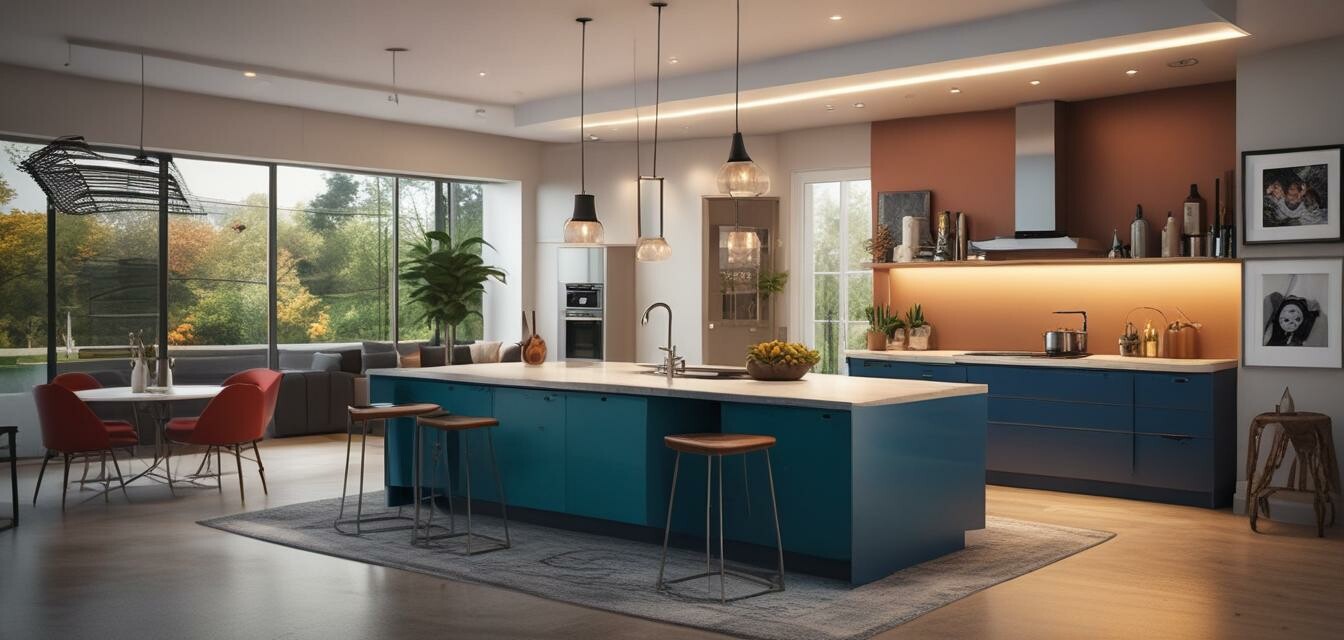
Boost Your Productivity with Home Designer Suite
Key Takeaways
- Maximize design efficiency with intuitive tools.
- Create stunning 2D and 3D designs for your home projects.
- Access a vast library of resources and templates.
- Utilize step-by-step tutorials for a quick start.
- Enjoy peace of mind with free technical support for a year.
Are you looking to embark on a home design project? Whether you're renovating, designing a new space, or simply planning a garden layout, Home Designer Suite is an exceptional tool that can help you streamline your workflow and enhance productivity. This article explores tips and tricks to effectively use Home Designer Suite, ensuring a seamless design experience.
Getting Started with Home Designer Suite
As a comprehensive home design software, Home Designer Suite caters to both novice and experienced designers. Below are useful tips on how to start maximizing its potential:
- Step 1: Familiarize yourself with the interface. Take time to explore the layout and become comfortable with where everything is.
- Step 2: Utilize the provided tutorials. The easy how-to videos provide a fantastic introduction to the software's features.
- Step 3: Start with a simple design. Create a basic room layout before progressing to more complex projects.
- Step 4: Experiment with different templates available in the software.
Effective Features of Home Designer Suite
Home Designer Suite is packed with features that boost efficiency in your design projects. Below are some highlights:
| Feature | Description |
|---|---|
| 2D and 3D Design | Create designs in both dimensions or switch easily between them for a comprehensive view. |
| Style Templates | Use built-in style templates to streamline the design process. |
| Resource Library | Access over 60,000 library items, including 3,600+ plant options. |
| Virtual Tour | Take a virtual tour of your design to visualize how it will all look together. |
Why Choose Home Designer Suite?
Renowned for its user-friendly approach and extensive resources, Home Designer Suite is a top choice for all kinds of users. Here are some benefits:
Pros
- Intuitive and easy to navigate
- Rich resource library and templates
- Accessible virtual tour feature
- Excellent technical support
Cons
- May require some learning for advanced features
- Complex projects may take time to master
Maximizing Your Workflow
To truly take advantage of Home Designer Suite for your home design needs, consider the following workflow strategies:
- Planning: Begin with a clear plan and outline your project goals. Use the software to sketch out initial ideas.
- Utilizing Features: Incorporate different tools like the Plant Chooser and cost estimation features effectively.
- Revisit and Revise: Don’t hesitate to go back and revise your designs as you plan your execution.
- Seek Feedback: Get opinions from family or friends. Home Designer Suite allows easy sharing of plans.
Explore Additional Resources
To gain further insights into software effectiveness, check out our related articles:- Design & Illustration Software Tips
- Business & Office Software Guide
- Photography Software Enhancements
- Lifestyle & Hobbies Software Choices
- Essential Software Tips and Tricks
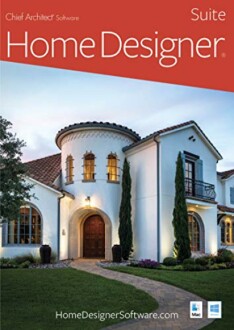 Top Choice
Home Designer Suite - PC Download
Home Designer Suite software is perfect for all your remodeling, interior design, and landscaping projects, featuring advanced 2D and 3D design capabilities.
Learn MoreConclusion
In conclusion, Home Designer Suite is a versatile tool that enhances your efficiency in home design projects. With its extensive resources and intuitive interface, you can transform your ideas into reality with ease. By adopting the strategies and features highlighted in this article, you'll be on your way to creating stunning designs in no time.


