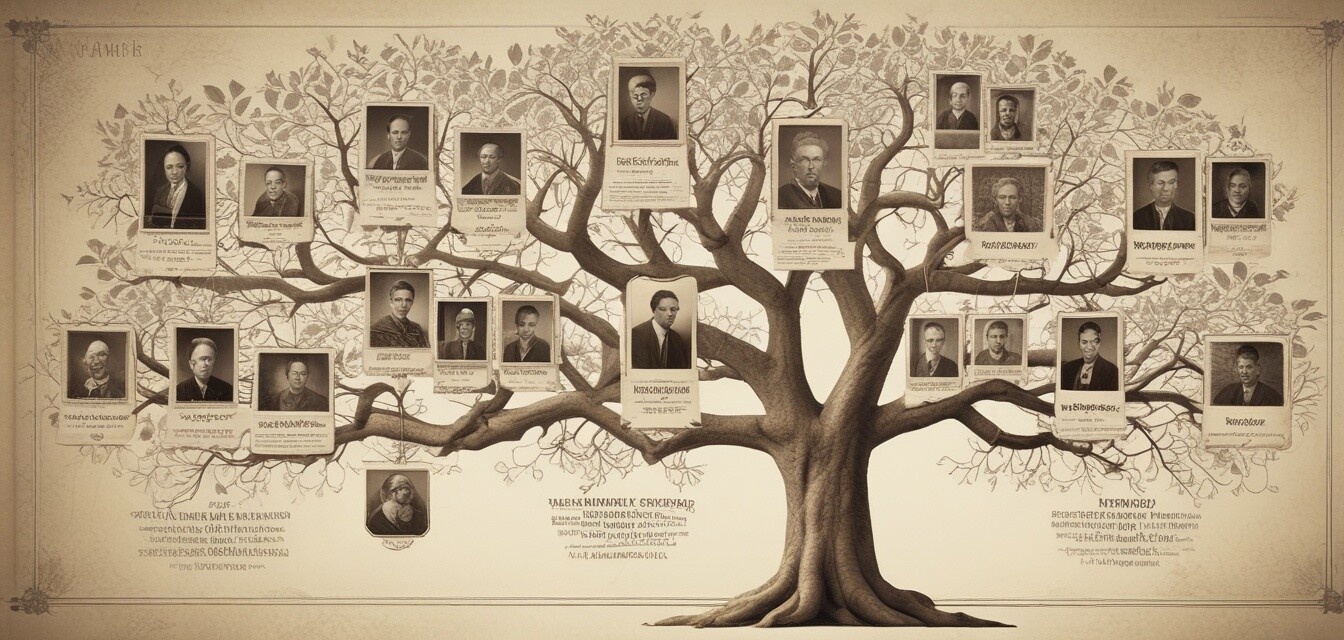
Best Practices for Family Tree Research Using Software
- Utilize software to systematically organize and document your genealogical data.
- Explore various views and tools within the software for better visualization of family connections.
- Secure and verify information from reliable sources to enhance the accuracy of your family history.
- Share your findings creatively through charts and slideshows for family gatherings.
Embarking on the journey of family tree research can be both exciting and overwhelming. Thankfully, the power of genealogy software can help simplify your efforts. This article provides you with tips on utilizing family tree software effectively, ensuring your genealogical research is organized, comprehensive, and enjoyable!
Understanding Family Tree Software
Genealogy software offers features designed to assist you in constructing, organizing, and documenting your family history. These tools allow you to visualize relationships, record historical data, and access vast databases for supplementary information. Here are some essential features to look for in family tree software:
| Feature | Description |
|---|---|
| User-friendly Interface | Intuitive design that simplifies navigation and data entry. |
| Multiple Viewing Options | Different formats such as pedigree and descendants view to suit your preferences. |
| Data Syncing Capabilities | Ability to sync with online genealogy databases for access to wider records. |
| Documentation Tools | Functions for storing and documenting notes, photos, and historical records. |
| Chart Creation Features | Create visually appealing charts to display your findings. |
Best Practices for Effective Genealogy Research
1. Start with What You Know
The best way to begin your family tree research is by documenting your immediate family. Start with yourself and work your way up through your parents and grandparents. This foundation will help establish a clear starting point.
2. Keep Your Data Organized
Efficiency is key when dealing with substantial amounts of information. Utilize your genealogy software to its fullest by keeping your data organized. Here are some tips:
- Use folders within the software to categorize different branches of your family.
- Regularly update and validate your data entries.
- Utilize the search function to quickly find specific individuals or records.
3. Document Sources and Evidence
Maintaining clear records of where you've found information is vital to the validity of your family tree. In your software:
- Link each piece of data to its source, such as census records or family documents.
- Utilize notes for any additional context regarding the information.
4. Utilize Advanced Features
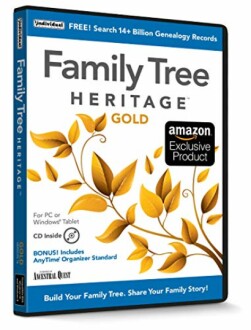
Make the most of your software’s advanced functionalities, like creating timelines or charts. This can enhance your understanding of your family’s history. Family Tree Heritage Gold is one such software that provides innovative features for genealogy research.
 Top Choice
Family Tree Heritage Gold 16
A comprehensive genealogy software to organize, build, and share family trees with user-friendly tools.
Learn More5. Engage with Community Resources
Networking with other genealogists can lead to incredible discoveries. Explore forums, genealogy groups, and social media platforms to connect with others. Resources like photography tools can also be beneficial for digitizing family photos.
Tips for Sharing Your Genealogy Findings
- Create engaging visuals to present your family history during gatherings.
- Compile family stories and historical records into a digital or printed booklet.
- Utilize genealogy software to craft personalized family tree stories.
Conclusion
Using family tree software for genealogical research can enhance your experience, making it easier and more organized to delve into your family history. By following these best practices, you can maximize the benefits of your software and uncover the fascinating stories of your ancestors. Remember, the journey of genealogy is ongoing, and each discovery adds a valuable chapter to your family's legacy. Happy researching!


