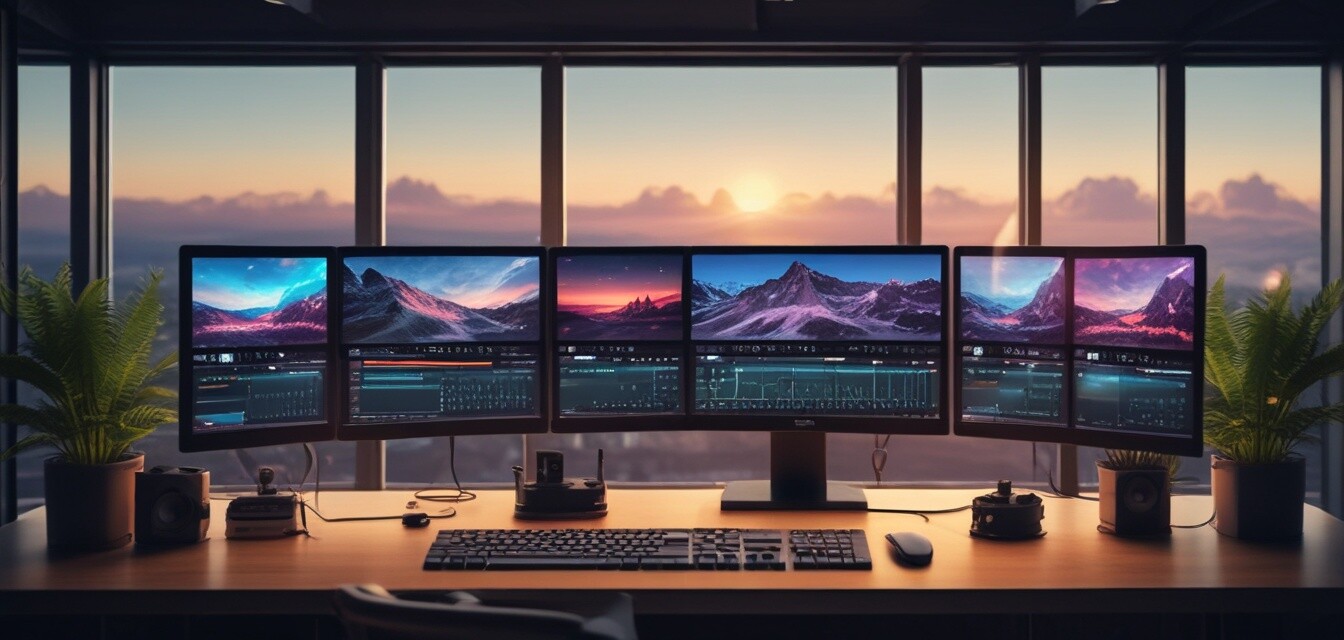
Essential Video Editing Techniques for Beginners
Key Takeaways
- Understand the key elements of video editing for an engaging final product.
- Familiarize yourself with important software tools and features.
- Learn basic editing techniques such as cutting, transitions, and effects.
- Explore the importance of audio editing and color grading.
- Utilize online resources and guides for further learning.
Video editing is an essential skill in today’s digital landscape, giving individuals the power to create captivating content for various platforms. Whether you're a budding filmmaker, a vlogger, or a business professional looking to enhance your video presentations, grasping the fundamental techniques of video editing is crucial to producing polished and professional-looking videos. In this guide, we will cover essential video editing techniques for beginners, including important tools, basic editing practices, and resources for further learning.
Getting Started with Video Editing Software
Before diving into editing techniques, you need to select the right software for your needs. Here are some popular options suitable for beginners:
| Software | Platform | Features |
|---|---|---|
| VEGAS Pro Suite 22 | Windows | All-in-one toolkit, powerful editing, audio production |
| Adobe Premiere Pro | Windows & Mac | Professional-grade editing tools, multi-platform support |
| Final Cut Pro | Mac | High-performance editing, magnetic timeline |
Among these options, VEGAS Pro Suite 22 stands out for its user-friendly interface and comprehensive features, making it a top choice for beginners. This software provides a seamless experience when it comes to video and audio editing, while also allowing characteristically creative outputs.
 Top Choice
VEGAS Pro Suite 22
A comprehensive video editing suite for enhanced creativity and professional results.
Learn MoreBasic Video Editing Techniques
Now that you’ve chosen your software, let’s explore some basic video editing techniques:
1. Cutting
This is where the magic begins. Cutting involves removing unwanted sections of a video clip to keep only the essential parts. Here's how to do it effectively:
- Import your footage into the software.
- Use the timeline to locate sections you want to cut.
- Apply the cut tool to slice segments accurately.
- Remove any excess footage and reorganize the clips as needed.
2. Transitions
Transitions help maintain the flow of your video by seamlessly moving from one scene to another. Here are a few popular types:
- Fade: Gradually transitions the video from one clip to another.
- Slide: Moves the next clip in while sliding the previous one out.
- Wipe: A dynamic way to reveal the next scene.
3. Text and Titles
Add titles and text overlays to provide context or information. Most editing software allows you to customize:
- Font styles
- Sizes
- Effects (shadow, outline)
Audio Editing Basics
Audio is just as crucial as video in your editing projects. Here are a few audio editing tips to help you get started:
- Background Music: Integrate music that complements the theme of your video.
- Voiceovers: Record your voiceover in a quiet space and use noise reduction techniques for clarity.
- Sound Effects: Adding sound effects can intensify emotional moments—just be careful not to overwhelm your audience.
The Importance of Color Grading
Color grading enhances the aesthetic appeal of your footage. By fine-tuning colors and contrasts, you can ensure consistency across your video. Follow these steps:
- Choose a color grading tool within your editing software.
- Adjust brightness, contrast, and saturation levels.
- Use presets for quick enhancements or fine-tune manually for a personalized touch.
Resources for Further Learning
To improve your video editing skills further, check out these resources:
- Essential video editing tips
- Top video creation software
- Software tips and tricks for optimal use
- Latest trends in video editing
- Educational resources for software learning
Conclusion
Mastering essential video editing techniques is the first step toward creating exceptional content. As you practice these tips and explore the powerful features of software like VEGAS Pro Suite 22, you will develop your style and sharpen your storytelling skills. Remember, the best way to learn is through practice, so start editing today and showcase your creativity!


