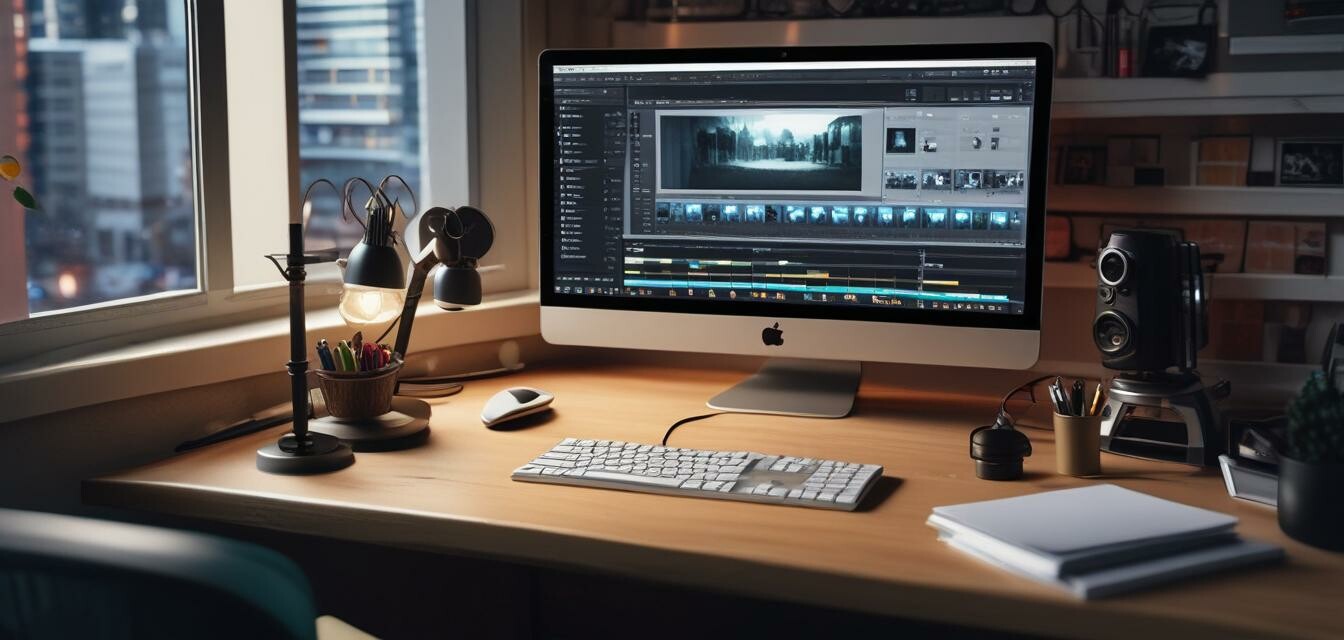
How to Choose the Best Video Software for 2025
Key Takeaways
- Determine the primary features you need for your projects.
- Consider your skill level and the learning curve of the software.
- Look for software that offers good customer support and community resources.
- Compare pricing structures and ensure you get value for your investment.
- Explore user reviews and expert recommendations before making a decision.
Choosing the best video software for your needs can be daunting with the many options available today. Whether you are a seasoned video professional or a beginner looking to dive into video editing, the right software can significantly enhance your productivity and creativity. This guide will walk you through some popular video software options and offer insights on what to consider before making a choice.
Popular Video Software Options
Here's a list of key video editing software to consider for your projects in 2025:
| Software | Key Features | Price Model | Platform |
|---|---|---|---|
| VEGAS Pro Suite 22 | Sophisticated video and audio editing, color grading, and AI-enhanced features | One-time purchase | Windows 10/11 |
| Adobe Premiere Pro | Industry-standard editing tools with extensive integrations | Subscription | Windows, macOS |
| Final Cut Pro | Optimized for Mac with powerful features and seamless workflow | One-time purchase | macOS |
| DaVinci Resolve | Professional editing, color correction, visual effects | Free version available, one-time purchase for Studio | Windows, macOS, Linux |
Key Features to Look For
When choosing the best video software, consider the following features:
- Editing Tools: Look for software that offers robust editing capabilities, including cutting, trimming, and combining clips.
- Audio Features: Good audio editing is just as important as video; ensure that your software allows for easy audio adjustments.
- Visual Effects: Having access to a library of effects can enhance your videos significantly.
- User Interface: A clean and intuitive interface will help you edit more efficiently.
- Export Options: Ensure the software allows for multiple formats and quality settings, depending on where your videos will be shown.
VEGAS Pro Suite 22 Overview
 Top Choice
VEGAS Pro Suite 22
An all-in-one toolkit for creating high-quality videos that includes professional audio editing and advanced features tailored for both beginners and professionals.
Learn MoreTips for Beginners
Getting Started with Video Software
- Start with tutorials: Many software options have tutorial videos or documentation to help you get familiar with the interface.
- Experiment with features: Take time to explore different functionalities to discover what works best for your project.
- Join online communities: Engage with fellow users in forums or social media for tips and advice.
- Practice regularly: The more you work with the software, the more proficient you'll become.
Comparing Pricing Models
When considering which video software to purchase, it’s vital to understand their pricing models as they can significantly affect your long-term investment. Below is a breakdown:
| Software | Price Structure | Trial Availability |
|---|---|---|
| VEGAS Pro Suite 22 | One-time payment | No free trial |
| Adobe Premiere Pro | Monthly or annual subscription | 7-day free trial |
| Final Cut Pro | One-time payment | 90-day free trial |
| DaVinci Resolve | Free basic version; one-time payment for Studio | Yes, free version available |
Conclusion
Choosing the best video software for your needs in 2025 doesn't have to be overwhelming. By understanding your project requirements and exploring available options, you'll be well-equipped to make an informed choice. Always remember to consider features, pricing, and user experience when making your decision.
For more detailed comparisons, check out our Buying Guides section.


