
Best Programming Tools for Kids: A 2025 Review
Key Takeaways
- Programming tools for kids should be engaging, fun, and educational.
- Look for platforms offering interactive lessons and mentorship.
- Consider coding languages that align with gaming, such as Java and Lua.
- Popular educational tools include CodaKid and Simply Coding.
- Choose software suitable for the child’s age and skill level.
As technology continues to shape our world, introducing coding to children has become more essential than ever. With interactive platforms available today, kids can learn programming in an engaging way that fosters creativity and problem-solving skills. In this article, we will explore some of the best programming tools specifically tailored for kids in 2025.
Why Teach Kids Programming?
Programming develops logical thinking and fosters creativity. It allows children to transform their ideas into reality through code. Here are a few reasons why programming is beneficial for kids:
- Enhances critical thinking and problem-solving skills.
- Encourages innovative thinking and creativity.
- Prepares them for future career opportunities.
- Improves persistence and resilience when solving challenges.
Top Programming Tools for Kids
| Tool Name | Age Group | Language Used | Key Features | Link |
|---|---|---|---|---|
| Coding for Kids with Minecraft | Ages 9+ | Java | 90+ hours of interactive lessons, live mentor assistance. | Learn More |
| CodaKid Roblox Coding | Ages 9+ | Lua | 100+ hours of projects, engaging game creation. | Learn More |
| Coding for Kids: Learn to Code Minecraft Mods | Ages 11-18 | Java | Live mentor support, STEM certified curriculum. | Learn More |
Coding for Kids with Minecraft
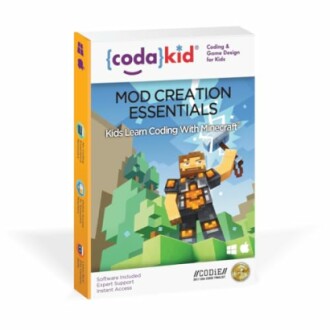 Creative Learning Tool
Coding for Kids with Minecraft
CodaKid’s Minecraft Java coding educational software provides over 90 hours of interactive lessons, engaging children to learn real programming while creating fun Minecraft mods.
Explore NowCodaKid Roblox Coding
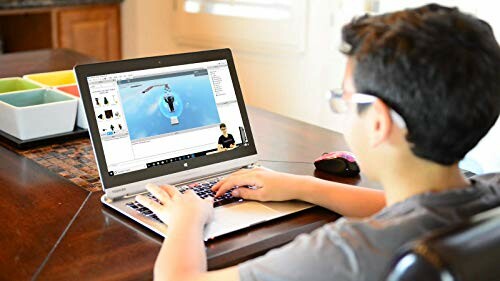 Engaging Game Creator
CodaKid Roblox Coding
CodaKid's Roblox Lua coding software provides 100+ hours of interactive projects, allowing kids to design and code their own games in a fun and engaging way.
More DetailsCoding for Kids: Learn to Code Minecraft Mods
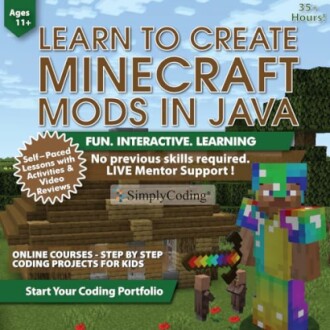 STEM Certified Course
Coding for Kids: Learn to Code Minecraft Mods
This course offers live mentor support and a STEM-approved curriculum, perfect for kids ages 11-18 who want to create Minecraft games by coding custom mods.
See ProductTips for Choosing the Right Programming Tool
Beginners Section
- Assess learning style: Choose tools that match how your child best absorbs information.
- Look for community support: Platforms with active communities can provide additional help.
- Review content: Ensure content is age-appropriate and covers foundational programming concepts.
- Consider project availability: Some kids learn best through completing fun projects or challenges.
- Check for updates: Programming tools that continuously evolve can provide longevity for future learning.
Conclusion
In summary, introducing children to programming through engaging tools can set them up for a future where technology is increasingly integrated into everyday life. Resources like CodaKid and Roblox Coding not only teach kids how to code but also provide a fun platform for creating their own projects.
For a deeper understanding of programming software, visit our dedicated sections on Education & Reference or explore our entire range of Programming & Web Development tools tailored for young learners. Empower your children by giving them the tools to succeed in today's digital world!


